
My AI setup needs to survive a walk
My closed MacBook stayed awake for about 35 observed minutes on a ruck. Internet checks failed. The next test is whether delegated work survives those gaps.
Originally published on prommer.net.
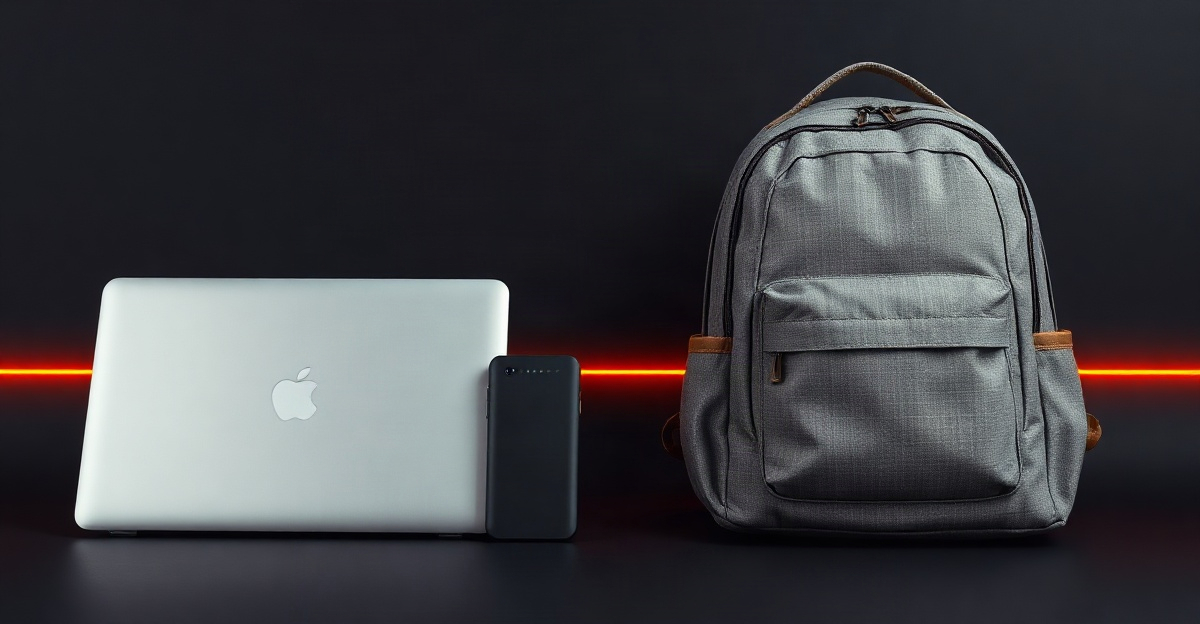
On my 28 October 2026 ruck, my closed MacBook stayed awake for about 35 observed minutes. Internet checks still failed during that time, and I didn't measure whether any delegated work completed.
I want to walk with the laptop closed in my ruck while delegated work keeps running on it. Walking gives me room to think away from the desk, and that is part of how I run my week more broadly (the productivity practice I write about here). For this to work, the laptop has to stay awake and powered, and the work has to cope when the connection drops. I also need a way to check what happened afterwards. Capturing thoughts by voice is a separate workflow, covered in voice input, and this test didn't touch it. The 28 October walk was the first attempt that week where the laptop stayed awake and power held.
Why did the laptop sleep on the first two walks?
On 26 October the recorder ran, but the guard that keeps the laptop awake with the lid closed was never active. The MacBook went into clamshell sleep and only woke for short maintenance bursts. Those wakes recorded some connectivity, but there was no continuous measurement. The long gaps show a sleeping laptop. They aren't evidence of an Internet outage.
On 27 October the guard again wasn't active before I left. The laptop slept, the battery was low, external power didn't hold, and there was no detailed capture. After I got back I changed how the guard handles a low battery when external power is connected.
What held on 28 October?
This time the guard was active before I closed the lid, and every system snapshot the recorder took showed it still active. The sampled lid-closed interval was about 35 minutes. That figure comes from the samples, and I haven't matched it against my activity record, so it isn't the length of the walk. External power was connected for most of that interval, and the battery went from 26% when the lid closed to 79% near the end.
Two days earlier the laptop had slept through the walk. This time it stayed awake and charged with the lid closed, and I have a record showing it. I didn't run a controlled comparison, so I can't say how much each part of the setup contributed.
How often did the network drop?
Both Internet probes passed for about 91% of the sampled interval. The rest included failed and mixed samples. The local gateway checks passed whenever they ran, so some of the failures may have been further upstream, though the data doesn't tell me where each one happened. The connection path also changed during the walk, including a brief stretch when the recorder could not identify the route.
I read these numbers narrowly. They measure sampled reachability, so they don't tell me whether an application kept working, and a failed sample doesn't give an exact outage length. Apple documents connecting a Mac to Personal Hotspot over USB, which covers how to set that connection up. It says nothing about how the path behaves while I'm moving, and my samples are the only evidence I have for that. The route changes are things I observed. They don't show an automatic failover I can rely on, and I wouldn't plan around a clean handover. For now I expect interruptions and route changes on a walk, and any delegated job has to tolerate them.
What will the next walk test?
None of this shows that delegated work finished. I didn't measure completed tasks or time saved, and I'm not claiming either.
Whether I can step away depends on what the machine did while I was gone, and I only know that from evidence. On this test, power and an active guard held. I still have no record of the work itself. For the next walk I plan to add a task checkpoint and a completion log, plus a record of each failure and whether the job recovered. That should show whether the work survives the interruptions I already know about.